
AI VIRTUAL TRY-ON
Change clothes in your photo with AI.
Use YiVue as an AI clothes changer with a full-body photo and an image of the garment you want to wear. The virtual try-on feature generates an outfit preview in the iPhone or Android app, ready to review and save.
- Generate a virtual try-on from clothes and a full-body photo
- Compare different jackets, tops and bottoms
- Save the looks you want to wear again
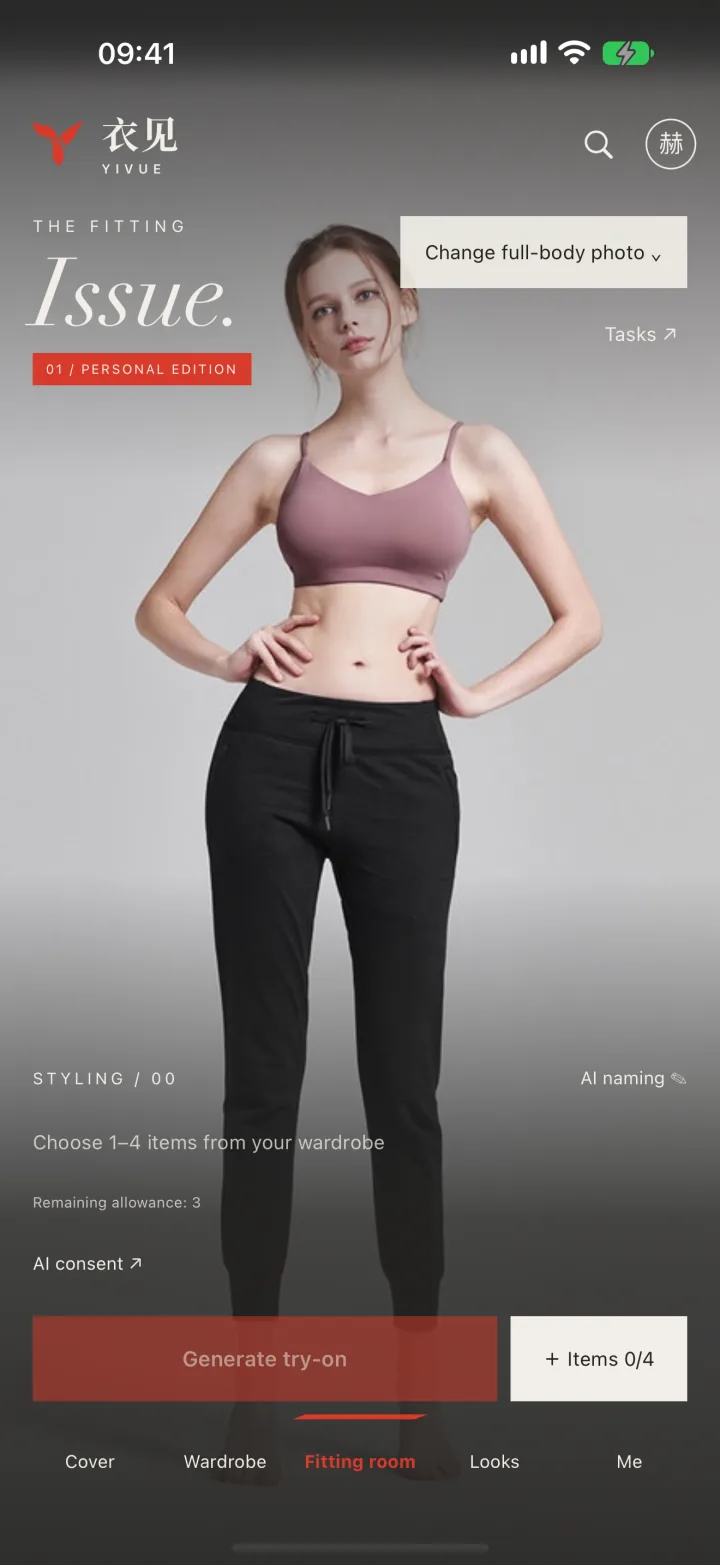
How to try on clothes with AI
- Prepare a clear portrait and an image of the garment you want to try.
- Select your photos and clothes in the app to generate a preview.
- Review and save the look; check sizing and physical fit separately before buying.
These features are available in the YiVue mobile app for iPhone and Android.
Explore related features
COMMON QUESTIONS
Before you start
What do I need for AI virtual try-on?
Prepare a clear portrait and an image of the clothes you want to try, then select them in the app to generate a preview. Start with one garment and save more pieces over time.
Can virtual try-on tell me if a size will fit?
AI try-on provides a visual preview. It does not guarantee sizing, fabric drape, or physical fit. Check the product size chart and try on the garment when possible.
What is YiVue?
YiVue is an AI virtual try-on and digital wardrobe app. Use a portrait and a clothing image to preview a look, then save outfits and organize your clothes.
Does YiVue support AI virtual try-on?
Yes. Choose clothes and a full-body photo to preview a virtual outfit before you change, then compare different looks side by side.
Can I organize my own clothes?
Yes. Add clothing photos, categories, and tags, then reuse pieces from your closet to build new outfits.
Which devices does YiVue support?
YiVue is available on iPhone and Android. Use the App Store on iPhone, or choose Google Play or a published APK on the Android download page.